Mica
On Windows 11, the window takes on your wallpaper's tint, as Windows' own apps do.

A precise, native terminal for Windows
Box lines, blocks and Powerline shapes meet without seams in any font. Every setting says what it does and applies the moment you change it.
>winget # coming soon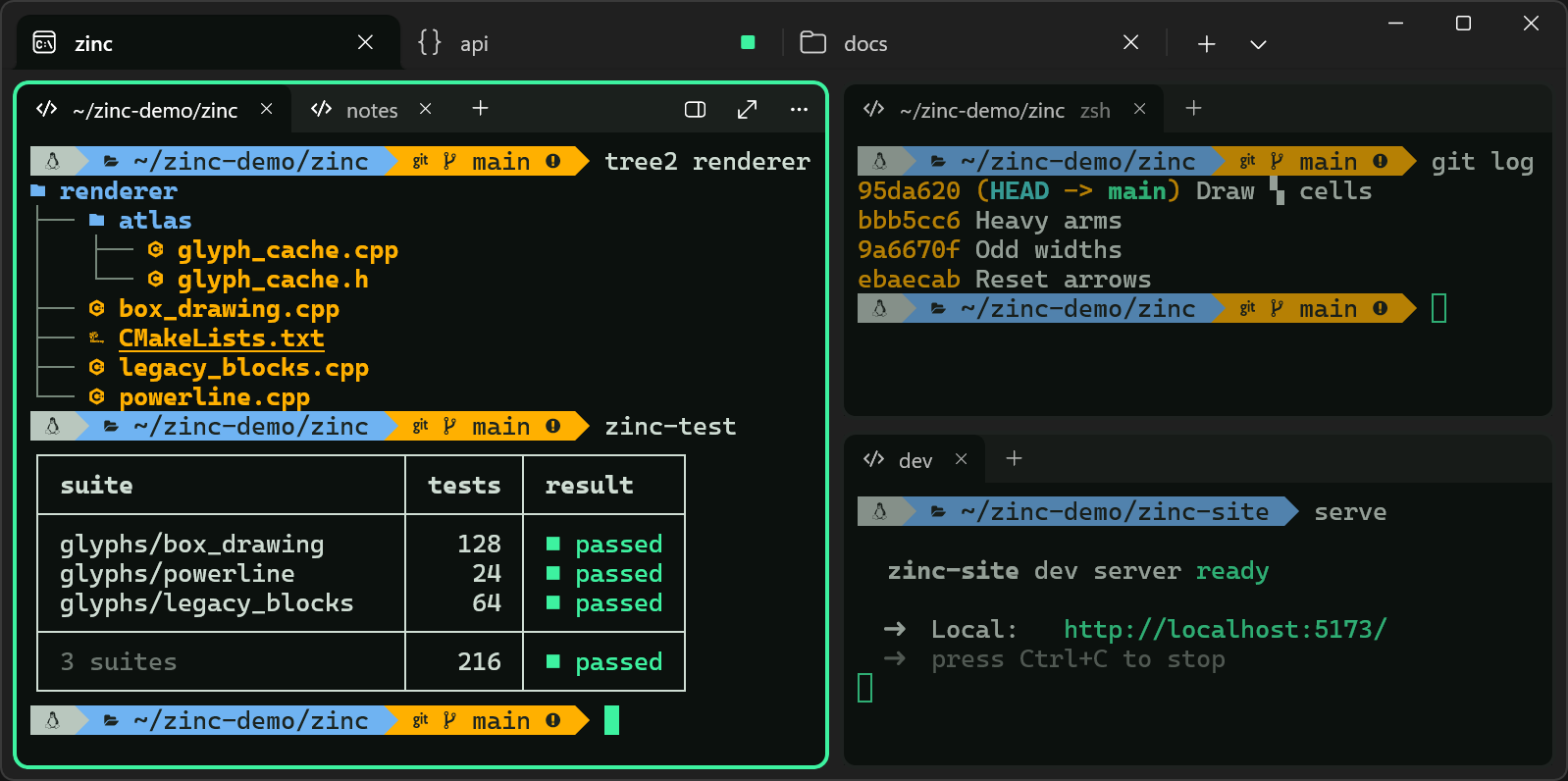
Precision, in what it draws
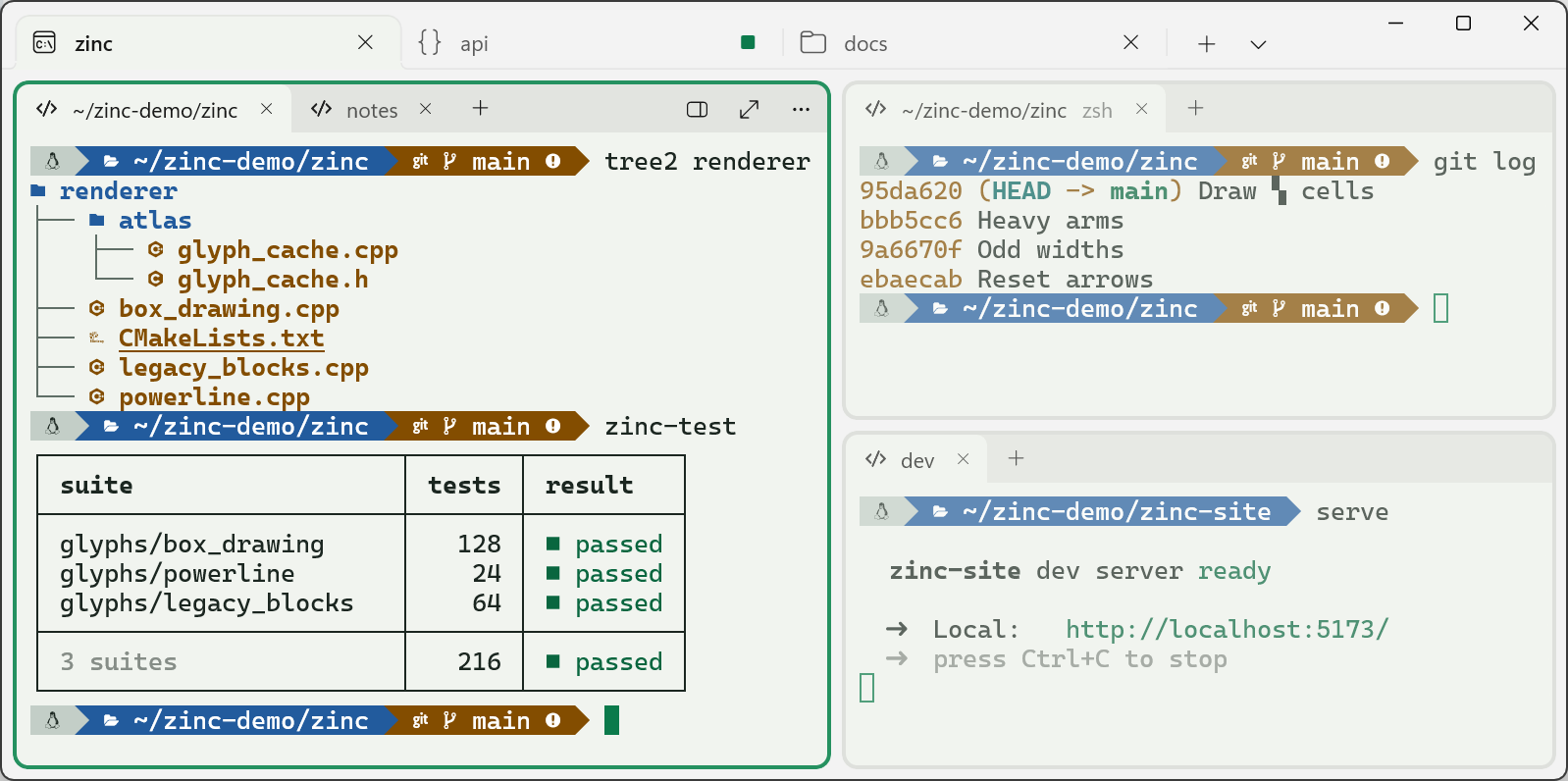
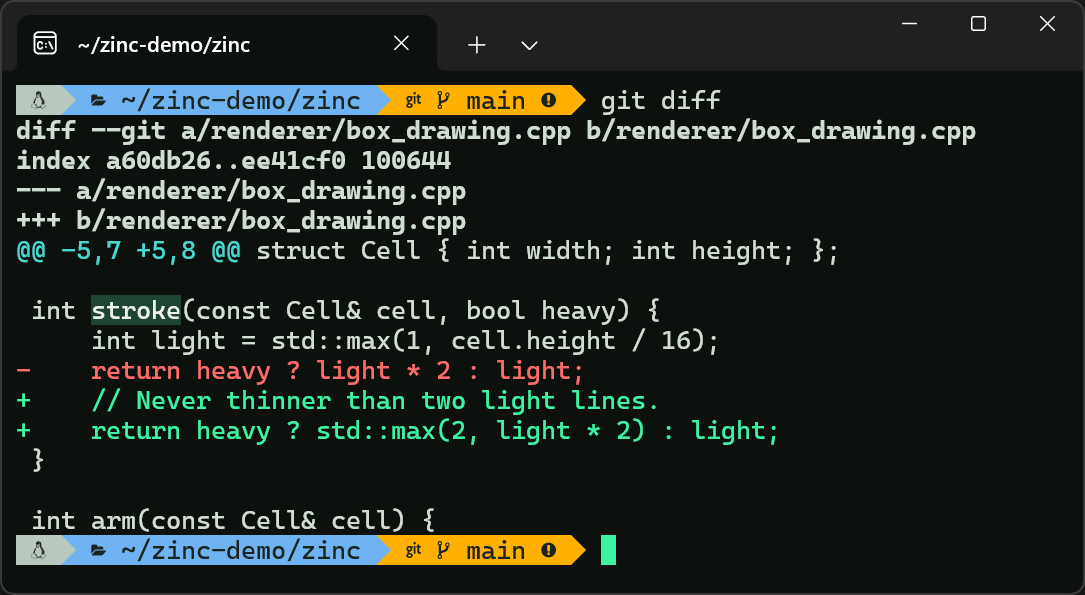
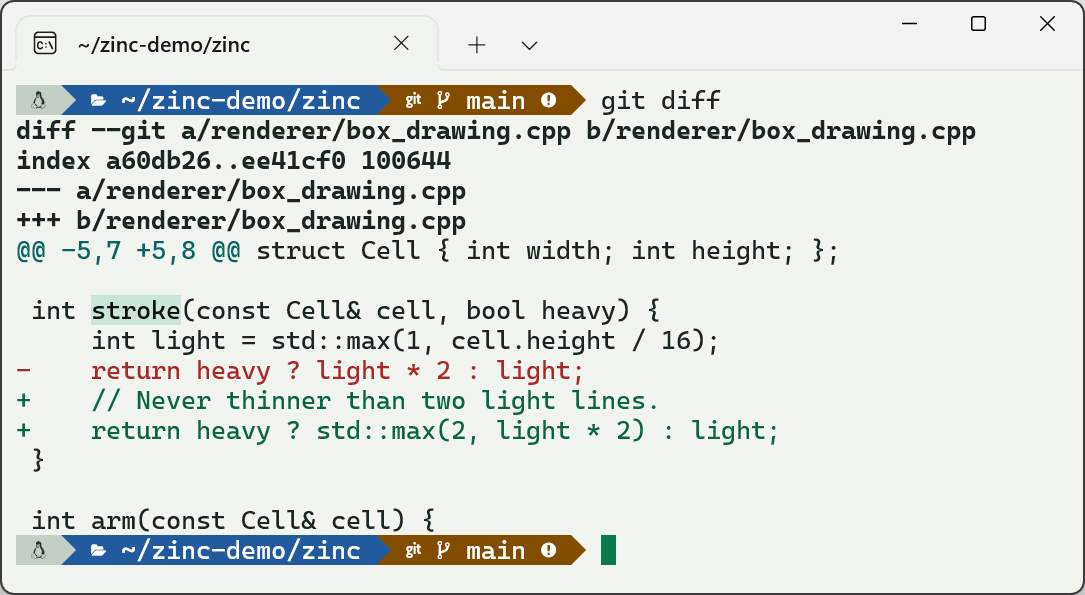
Zinc draws box lines, blocks and Powerline shapes itself, cell by cell, instead of trusting the font to line up. Raise the line height and they still join.
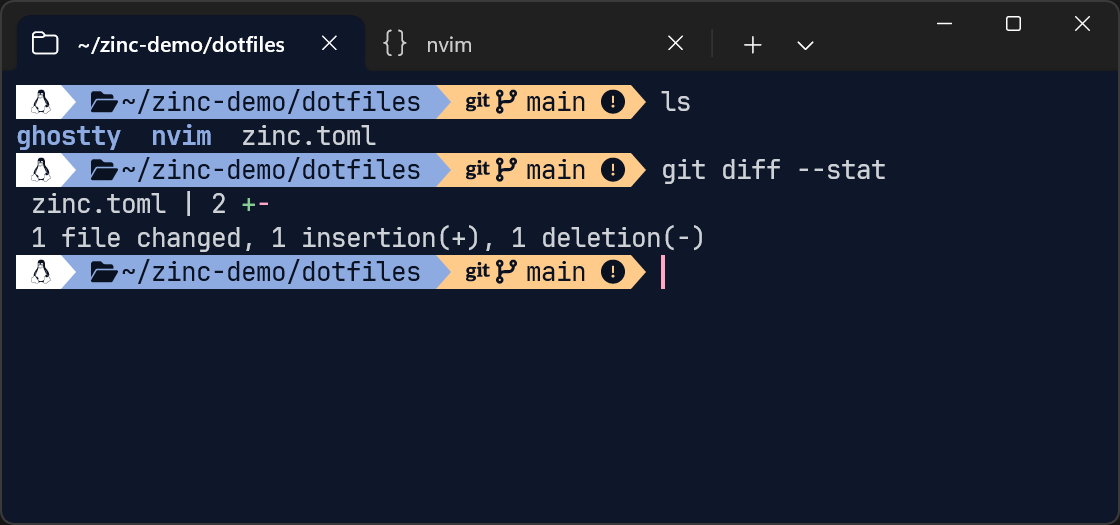
font.builtin-glyphsPowerline, no patched font needed. Separators are drawn as cell geometry, so segments sit flush at any size.
Precision, in how you tune it
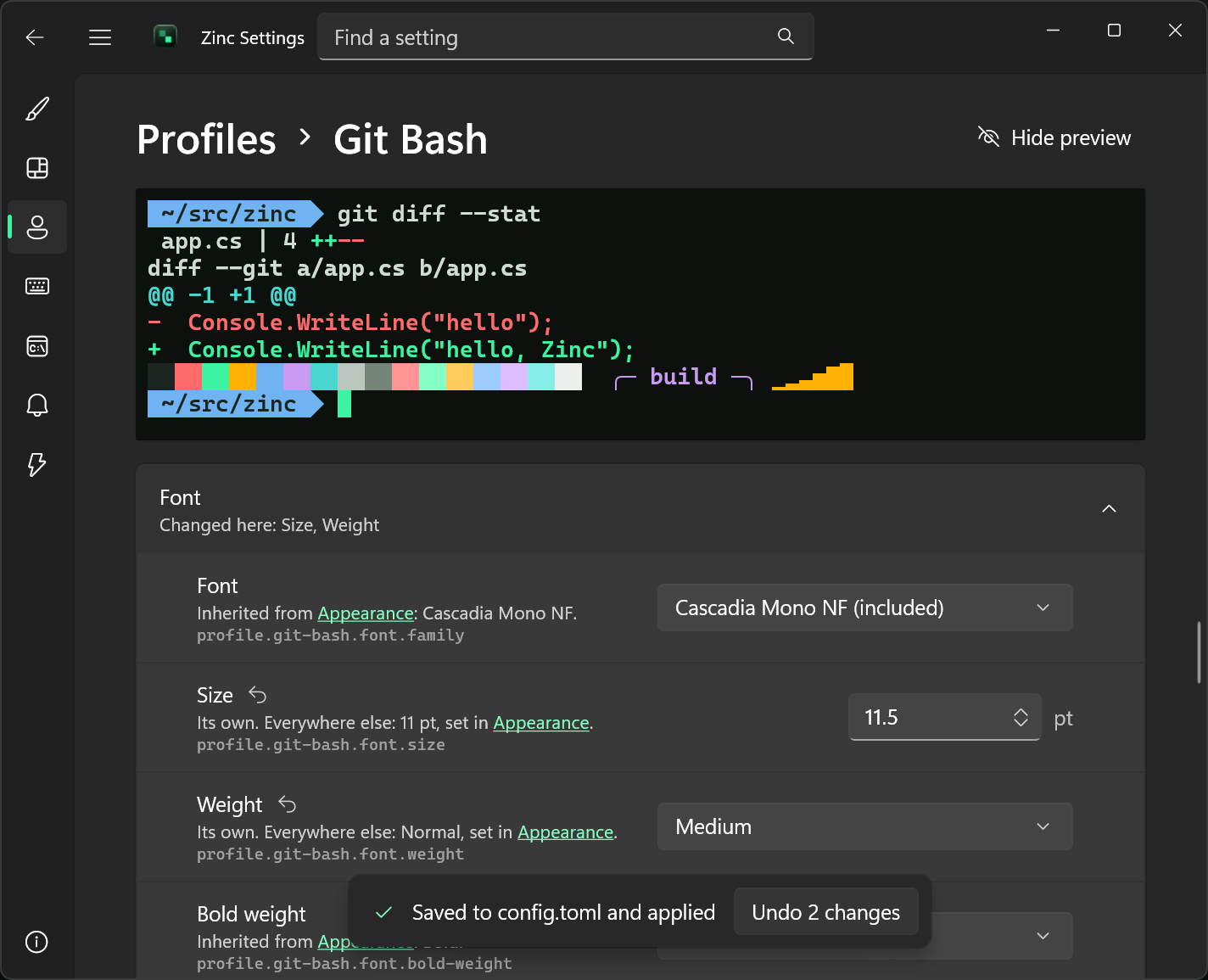
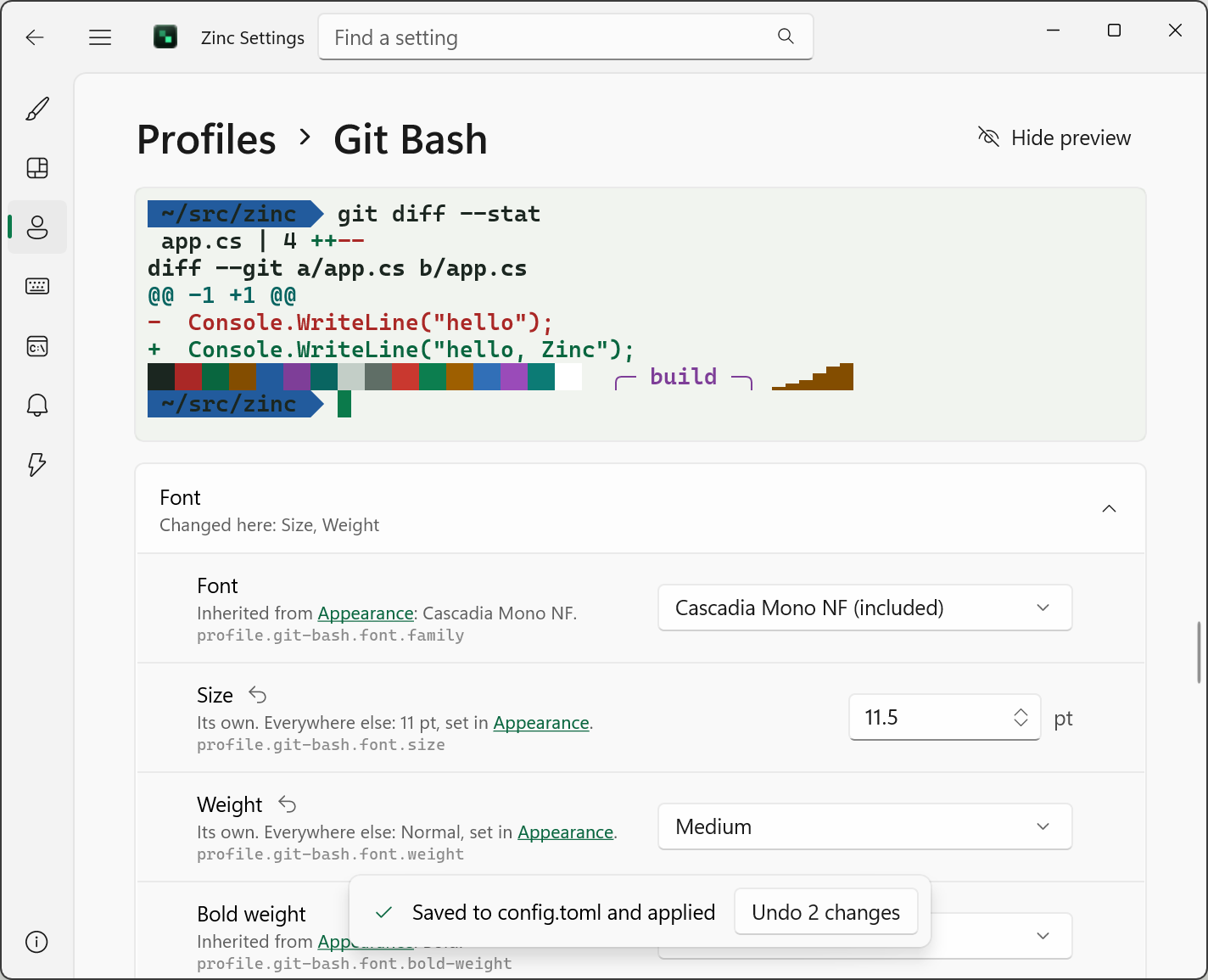
Plain words for each one, a live preview as you go, applied the moment you change it, one click from undo.
Hundreds of settings, each one explained like these.
Workflow
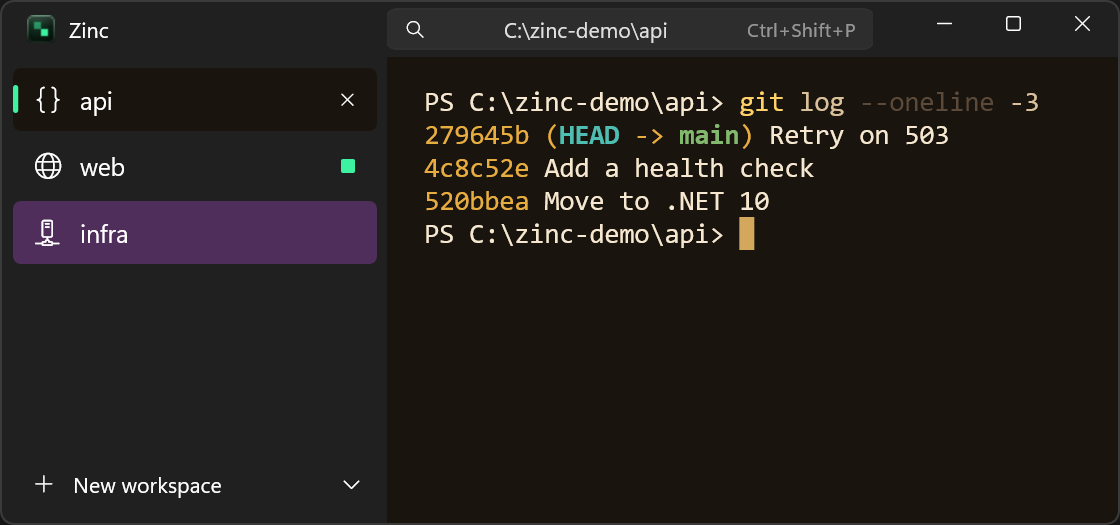
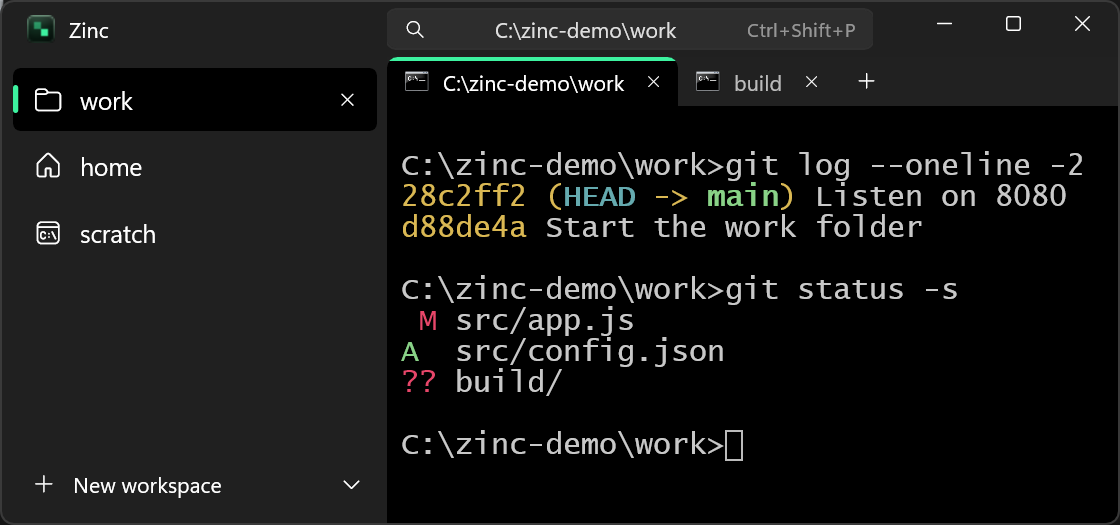
Workspaces reopen where you left them. Shell integration sets itself up. When a command finishes, fails or needs you out of view, Zinc says which, and where.
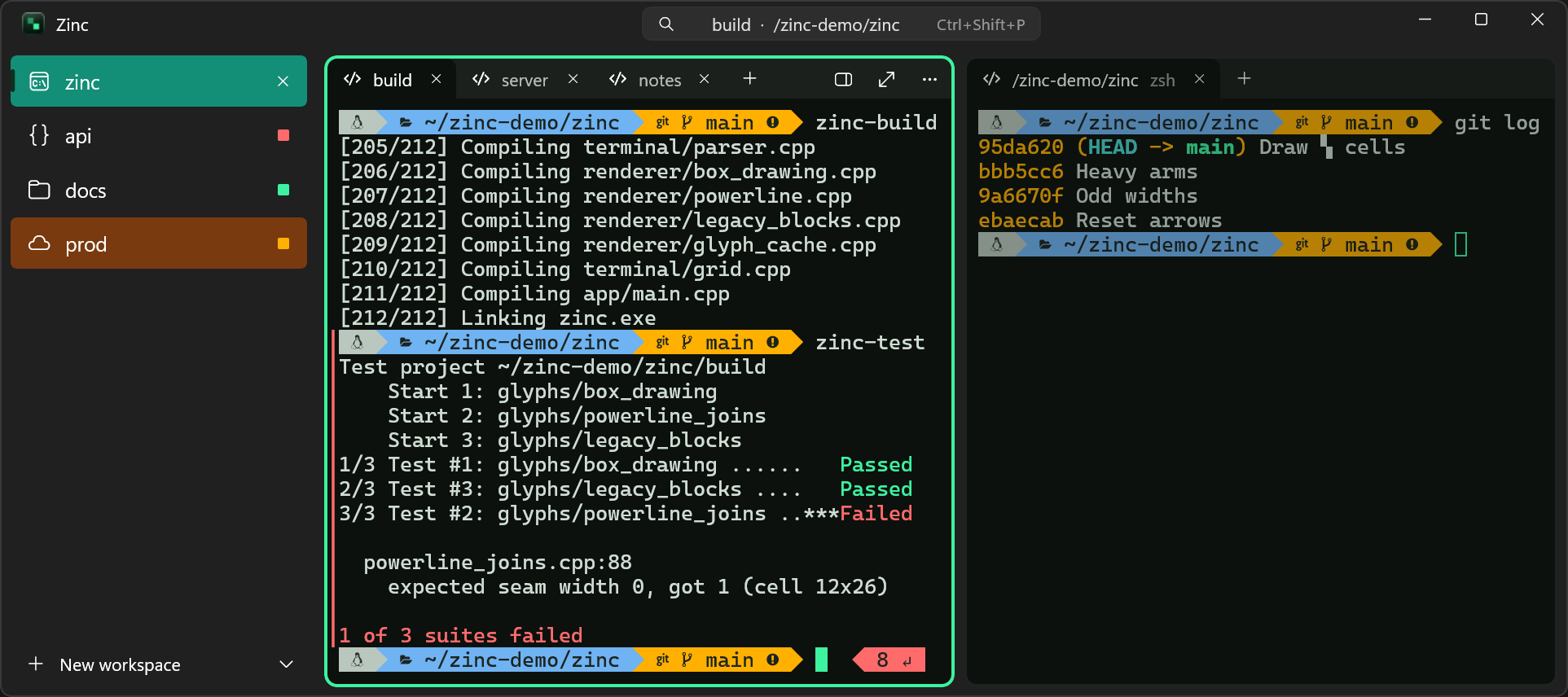
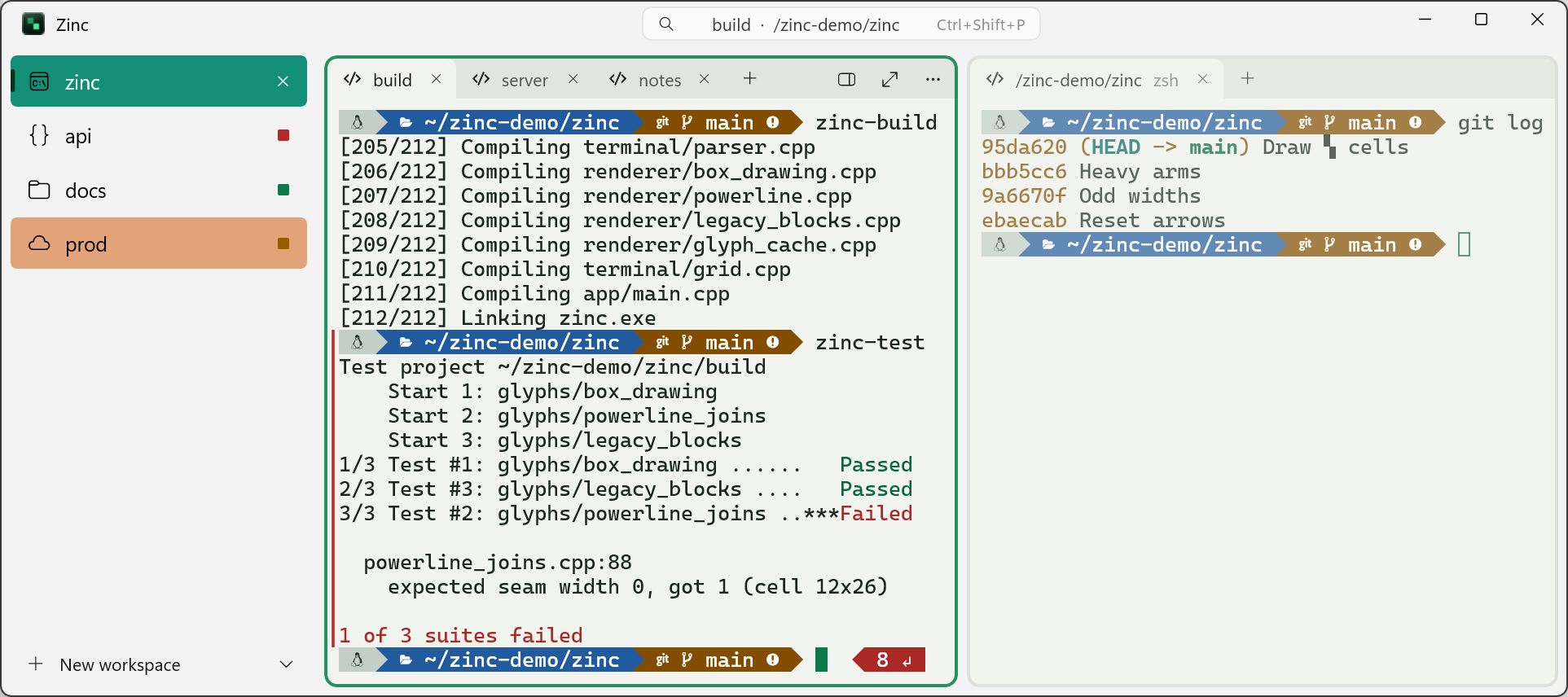
The same words appear in Windows notifications.
Native Windows
A WinUI 3 app that looks and behaves like the rest of your desktop.
On Windows 11, the window takes on your wallpaper's tint, as Windows' own apps do.
Zinc keeps running in the notification area, so the quick terminal is always ready. Click to bring your windows back; right-click for settings, a new window or quit.
A terminal on a global hotkey. It scales and fades in at the middle of the screen, or comes in from any edge you choose.
PowerShell, Command Prompt, WSL, Git Bash, MSYS2, Visual Studio developer shells and SSH show up as profiles on their own.
Make it yours
Zinc ships with two schemes of its own, Lit Cell and Lit Cell Light, and reads the rest from Ghostty's theme format.

Zinc: what makes ghosts glow in the dark. Its terminal core is libghostty, the same core that powers Ghostty. The window around it, and everything you click, is Zinc's own, written for Windows. Thanks to the Ghostty project and its contributors.
Alpha
Zinc is in public alpha and free. The installer sets it up for your account only, with no administrator prompt, and keeps it up to date. Current build: 0.1.0-dev.428 · Windows 10 version 2004 or later, or Windows 11
Alpha builds aren't signed yet, so Windows SmartScreen may ask first: choose More info, then Run anyway.
>winget # coming soonFound a bug or have an idea? Email feedback@zincterminal.dev or join the Discord.
# zn controls the running Zinc from a script or a shellzn <thing> <verb> [options] [-- command] zn window list | new | focus | closezn workspace list | new | focus | close | rename | color | icon | movezn pane list | split | focus | closezn terminal list | new | send | read | title | focus | move | close zn list # everything openzn action # runs any action by its name, as a key wouldzn version # zn's version and the running Zinc's
Inside a Zinc terminal, zn acts on that terminal and its pane, workspace and window. Outside, it acts on the window you used last.
What Zinc doesn't do today, so you know before you install.